Home / Make one family portrait from separate photos
Make one family portrait from separate photos
You never got everyone in one photo. Upload one photo of each person, two to five people or pets, and get a new portrait of all of you together. Choose the setting, or leave it to us.
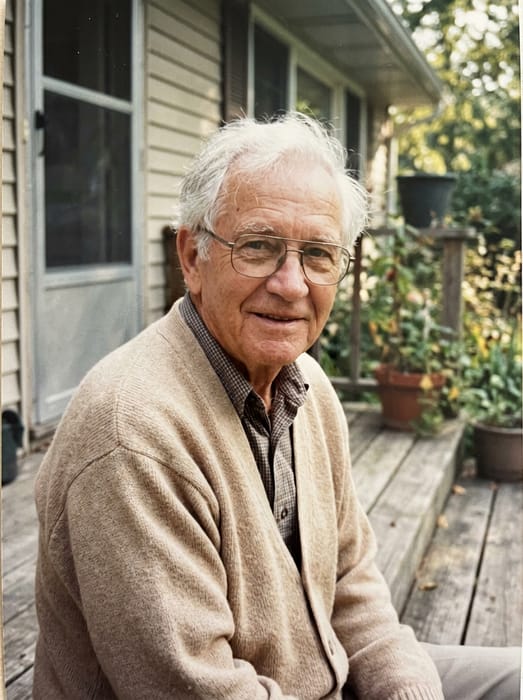 Grandpa
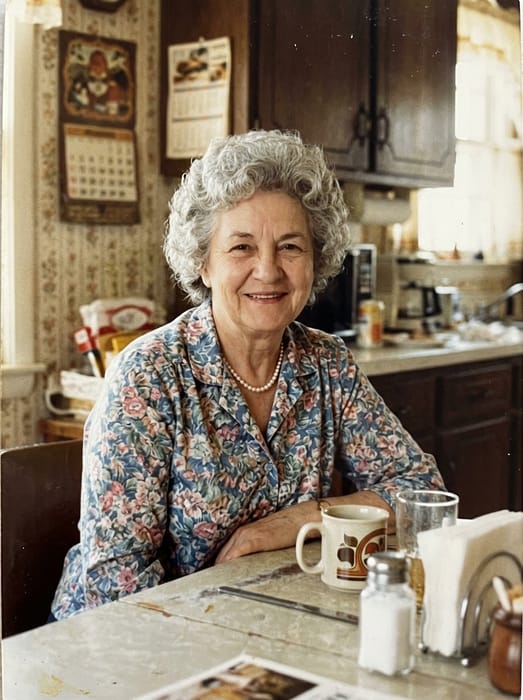 Grandma
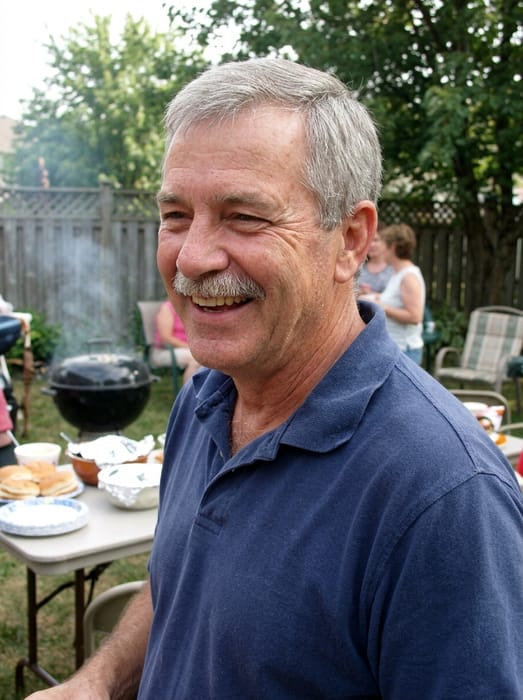 Dad
Dad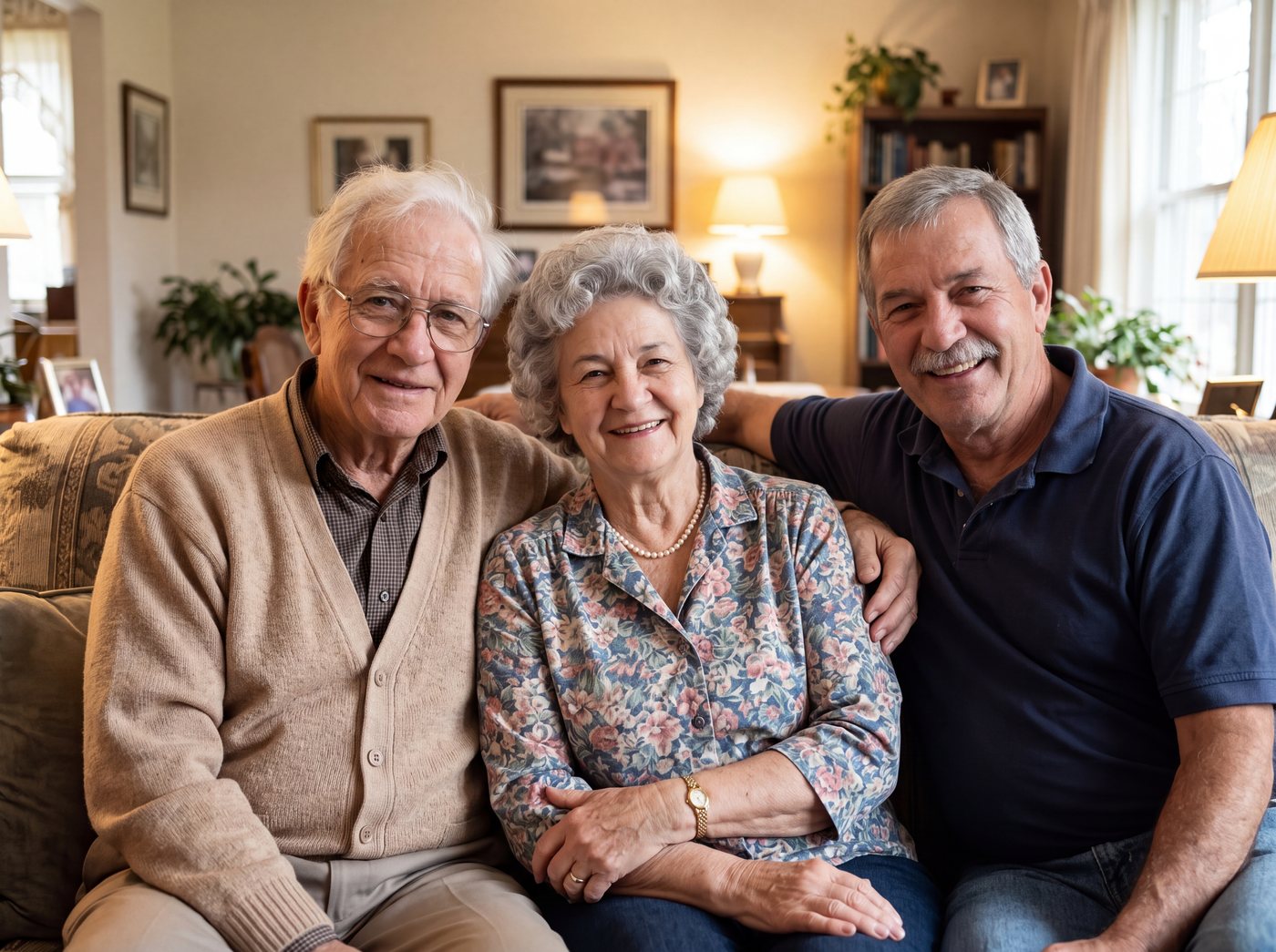 Finished picture
Try it free
One photo of each person
Two to five people or pets, one clear photo each.
Pick a setting
Optional. Leave it on the first one for a plain photo.
Anything we should know?
You can leave this empty.
Free to try. You only pay if you want to keep the full-size picture.
How it works
- Upload one clear photo of each person, from any year.
- Optional: describe the setting, like "in front of the Christmas tree" or "on the porch".
- See your free preview, then download the full-size portrait.
When people use it
Family who passed before a portrait was taken. Relatives who live far apart. Grandparents with grandchildren born after they died. Four generations in one frame.
Photo tips
- Use one photo per person, with the face clear and not too small.
- Photos from different decades are fine. Everyone is shown in the same light and style.
- Leave the note empty for a warm living room portrait.
DadGrandma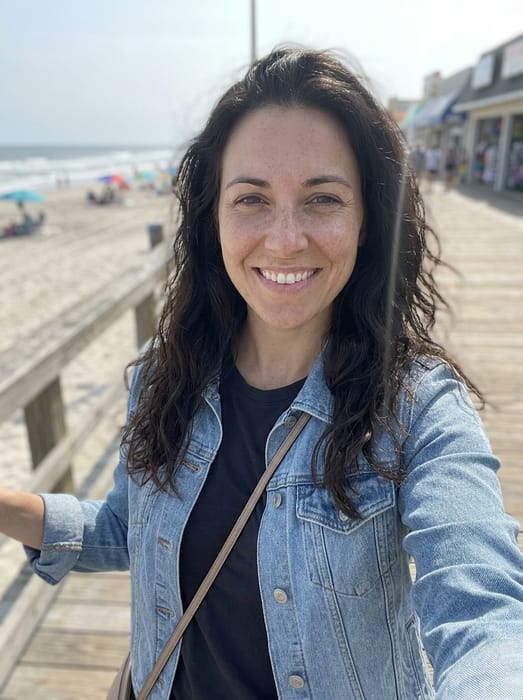 Daughter
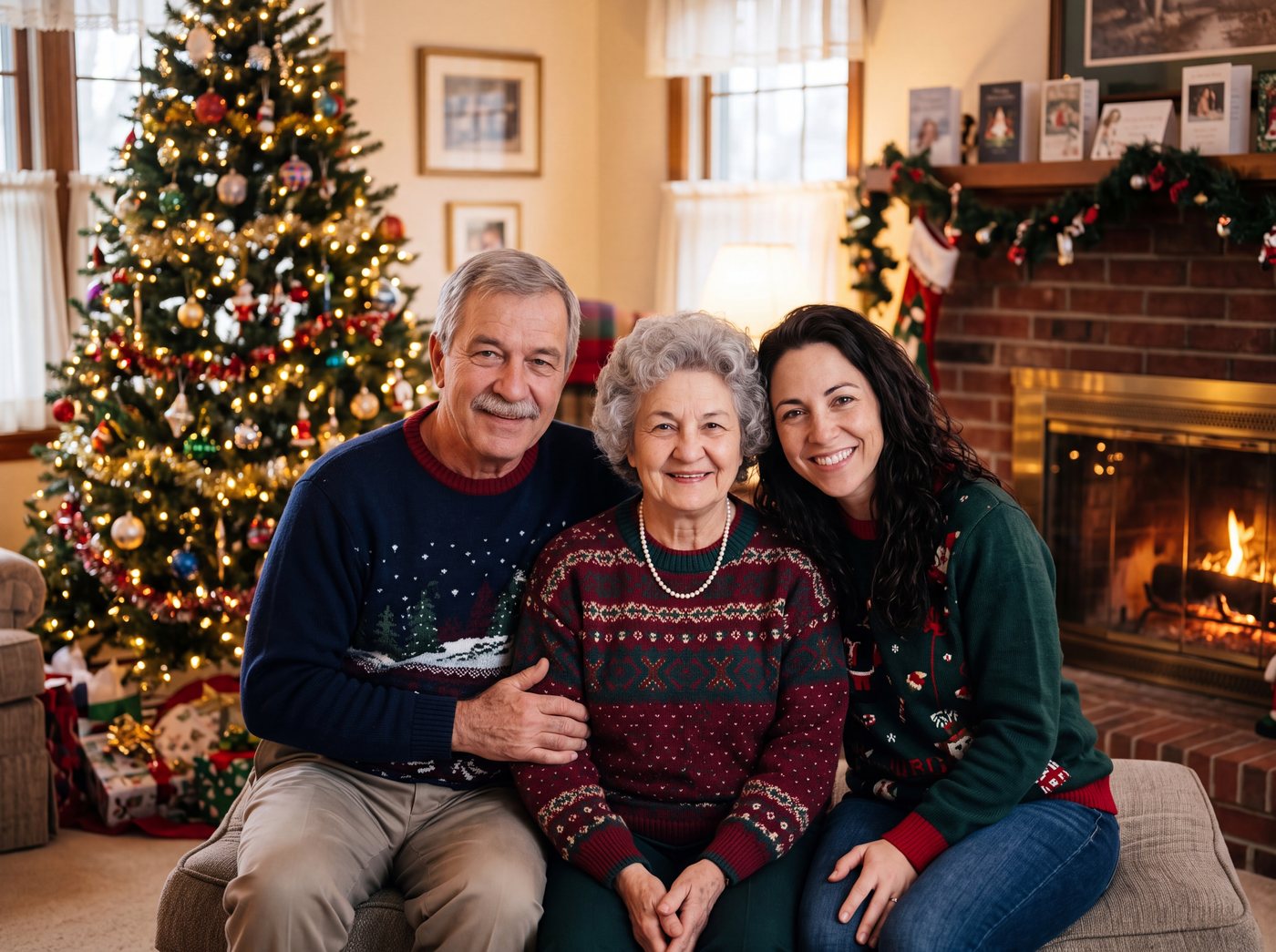 Finished picture
Questions
How many people can be in it?
Two to five people or pets. For bigger families, make the portrait in groups.
Can I choose what they wear?
Yes. Say it in the note, for example "everyone in Christmas sweaters" or "dressed for church".
Does everyone need a photo from the same year?
No. Use the photos you have. Each person is shown at the age they are in their photo.