Home / A deceased loved one in the background of your photo
A deceased loved one in the background of your photo
Some people do not want their loved one front and centre. They want them just there, at the back of the group or beside a doorway. You choose the spot with a short note, and your free preview shows how it looks. The examples show a person placed up close. A spot further back is harder to control, so check the preview.
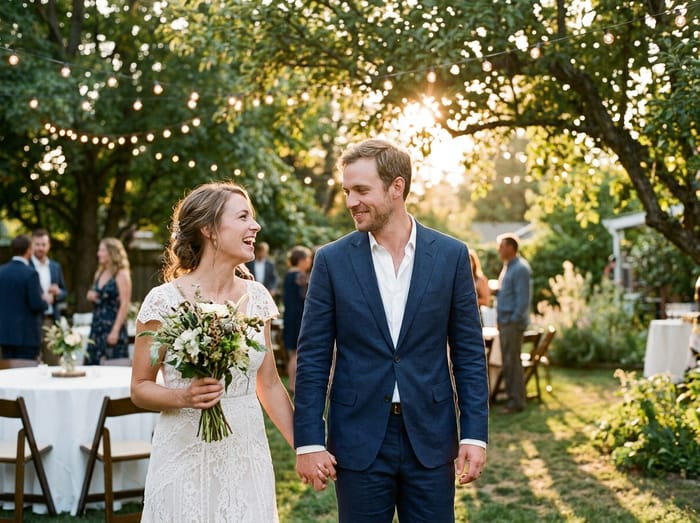 Wedding photo
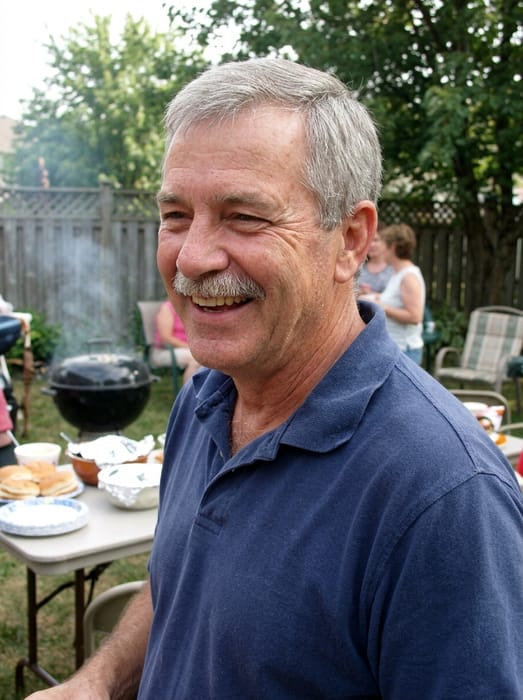 Dad
Dad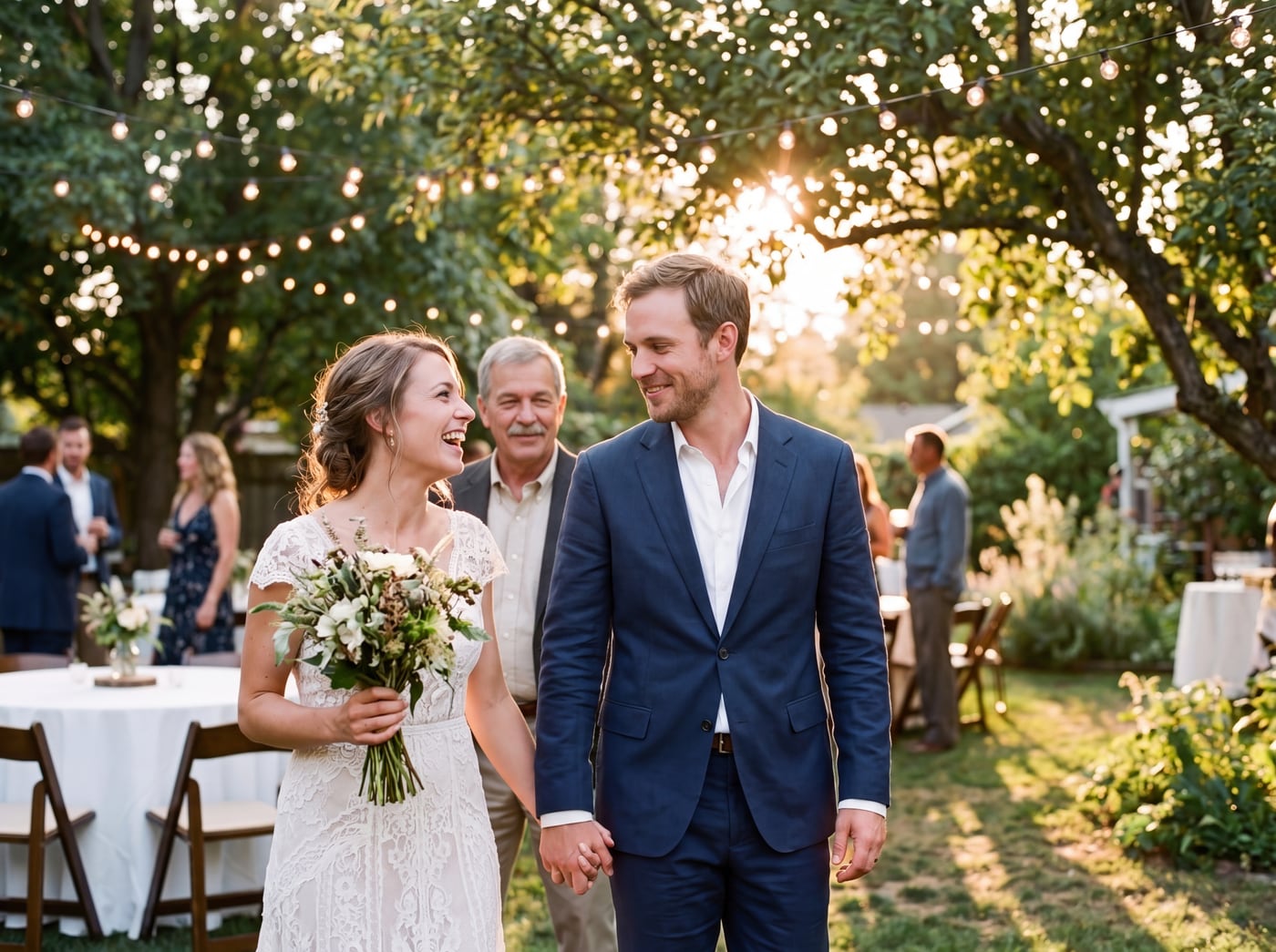 Finished picture
Try it free
The family photo
The picture you want them added to.
Photos of your loved one
A clear photo of their face. Two or three photos help.
Anything we should know?
You can leave this empty.
Free to try. You only pay if you want to keep the full-size picture.
How do I place them in the background?
Use the note box. Say where they stand in plain words, the way you would tell a friend. Here are some that work well:
- "Standing just behind us, in the back row"
- "At the back of the group, near the tree"
- "Beside the doorway"
- "Behind the couple, a little to the left"
What to expect
We aim to place them where you asked, as a real person in the photo, in the same light as everyone else. They are not a faded figure, a glow in the sky or a ghost in the clouds. We only make ordinary, realistic photos.
A background spot is smaller in the picture, so use a clear, close-up photo of their face to keep the likeness. If they come out too far forward or too far back, change the note and try again.
Photo tips
- For the person you are adding, pick a photo where their face is clear and well lit. Looking toward the camera works best.
- Two or three photos of them from different days help the picture look more like them.
- Old, faded or black-and-white photos are fine. The finished picture is in colour to match your family photo.
- For the family photo, leave a little room where they would naturally stand or sit.
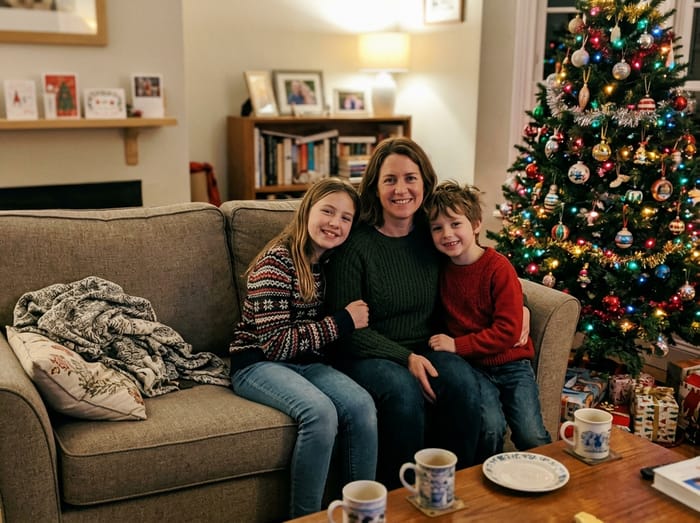 Christmas photo
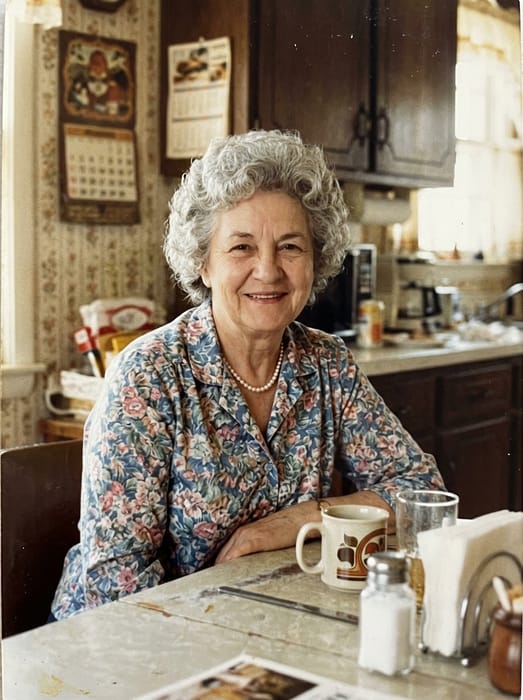 Grandma
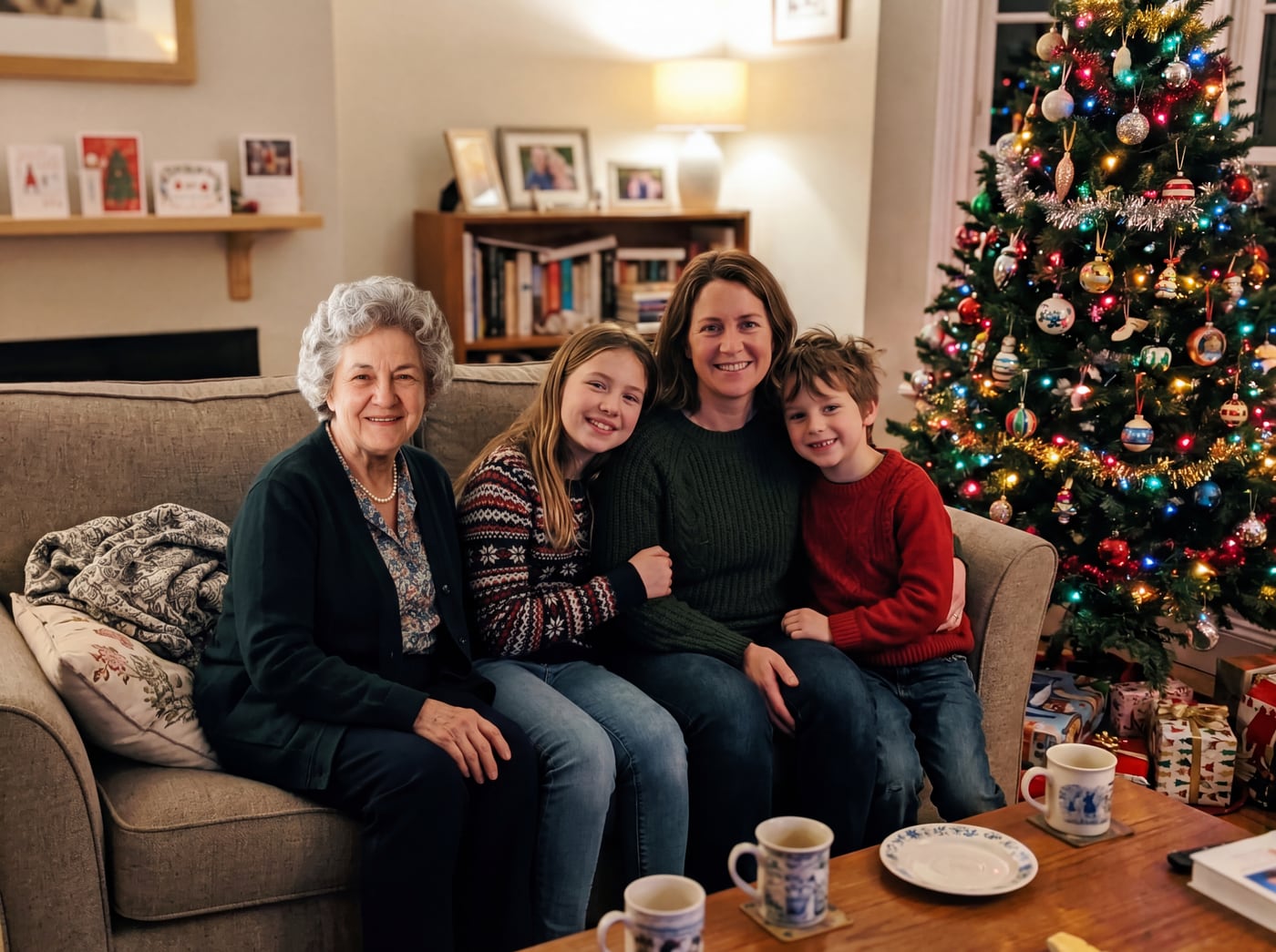 Finished picture
Questions
Can they look like a faint spirit or angel?
No. We do not add glow, wings, clouds or see-through effects. They are shown as themselves, standing in the photo like anyone else there.
Will the people already in my photo change?
No. No one else in the picture is changed. Only your loved one is added.
What if the group fills the whole photo?
Pick a photo with a bit of space behind or beside the group. A spot by a door, a window or a wall works well.