Home / The prompt for adding a loved one to a photo
The prompt for adding a loved one to a photo
You do not need a long prompt here. Upload your family photo and photos of your loved one, then write one short note about where they stand. Here are examples to copy.
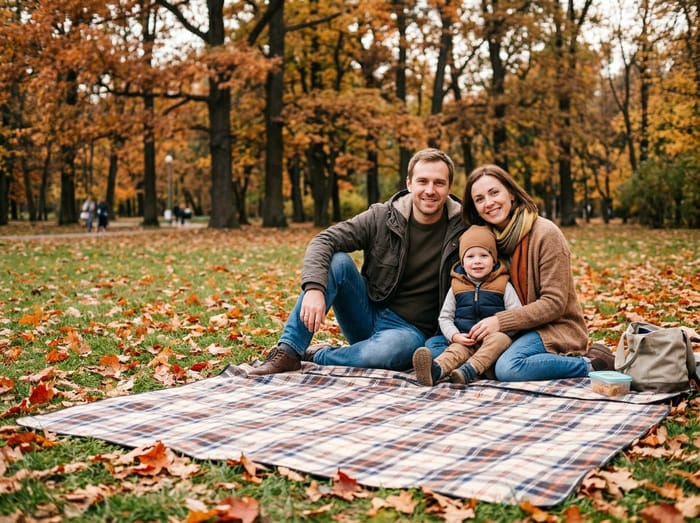 Family photo
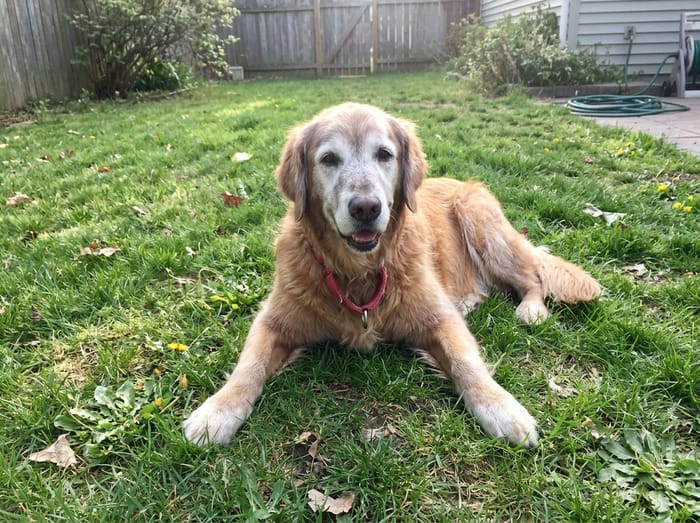 Their dog
 Finished picture
Try it free
The family photo
The picture you want them added to.
Photos of your loved one
A clear photo of their face. Two or three photos help.
Anything we should know?
You can leave this empty.
Free to try. You only pay if you want to keep the full-size picture.
Example notes you can copy
- "Standing beside the bride, arm around her."
- "Sitting on the sofa next to Grandma."
- "Behind the children, a hand on each shoulder."
- "On the right end of the row, next to my brother."
- "Holding the baby, sitting in the armchair."
- "At our feet on the blanket." (a pet)
- "Hugging me from the side, both of us smiling."
- "Standing at the back, in the middle of the group."
What goes in the note, and what does not
Say who they stand next to and what their arms or hands are doing. That is all we need. You do not have to describe their face or hair: we take those from your photos. Clothes are chosen to suit the occasion.
You can also ask for something specific, like "in a suit". The note cannot change someone’s age. They appear as old as they are in the photos you upload, so choose photos from the time of life you want to see.
Photo tips
- For the person you are adding, pick a photo where their face is clear and well lit. Looking toward the camera works best.
- Two or three photos of them from different days help the picture look more like them.
- Old, faded or black-and-white photos are fine. The finished picture is in colour to match your family photo.
- For the family photo, leave a little room where they would naturally stand or sit.
 Christmas photo
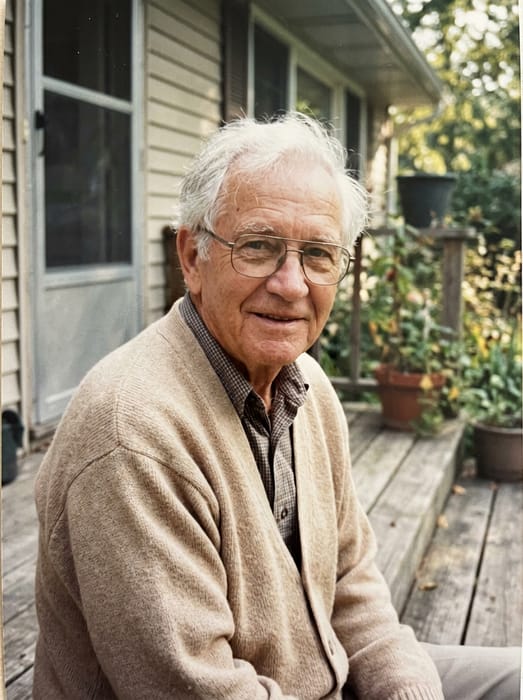 Grandpa
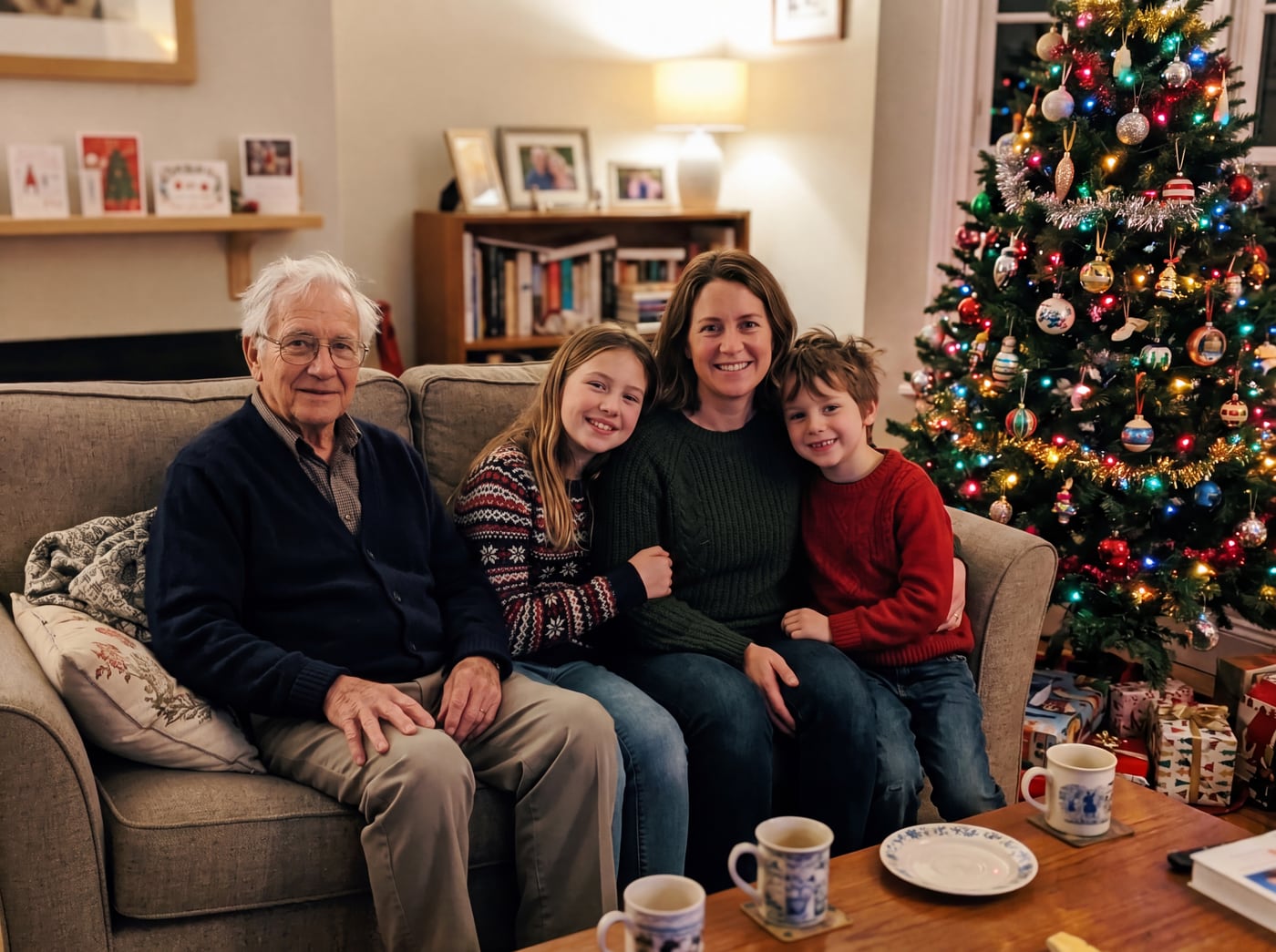 Finished picture
Questions
What if I leave the note empty?
We place them where it looks most natural for the photo. A note just helps if you have a spot in mind.
Do I need a special app or a long prompt?
No. You do not need a chat app. It works in your phone or computer browser. Upload the photos, write one line, and look at the free preview.
Can the note make them younger or older?
No. They appear at the age shown in your photos. To see them younger, upload a younger photo of them.