Home / Put someone into a picture, no Photoshop needed
Put someone into a picture, no Photoshop needed
You want to photoshop someone into a picture, but you do not own the program or know how to use it. You do not have to. Upload two photos, write one sentence, and get your picture back in about a minute.
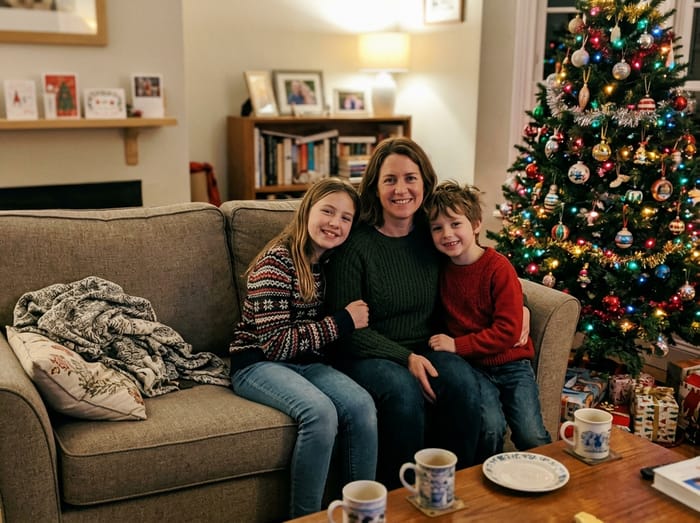 Christmas photo
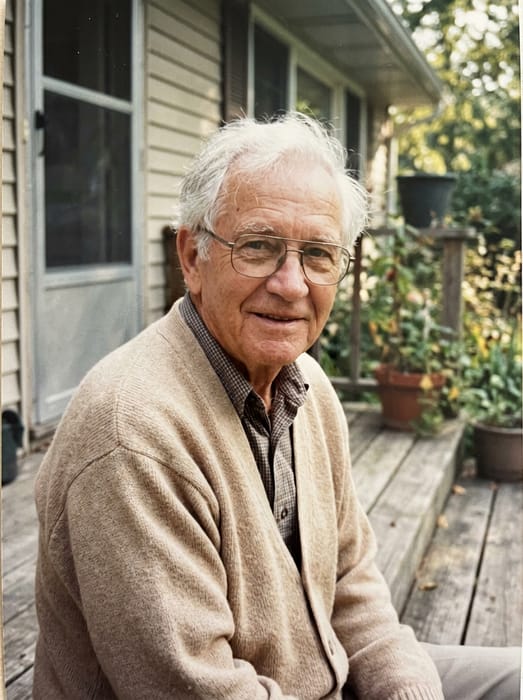 Grandpa
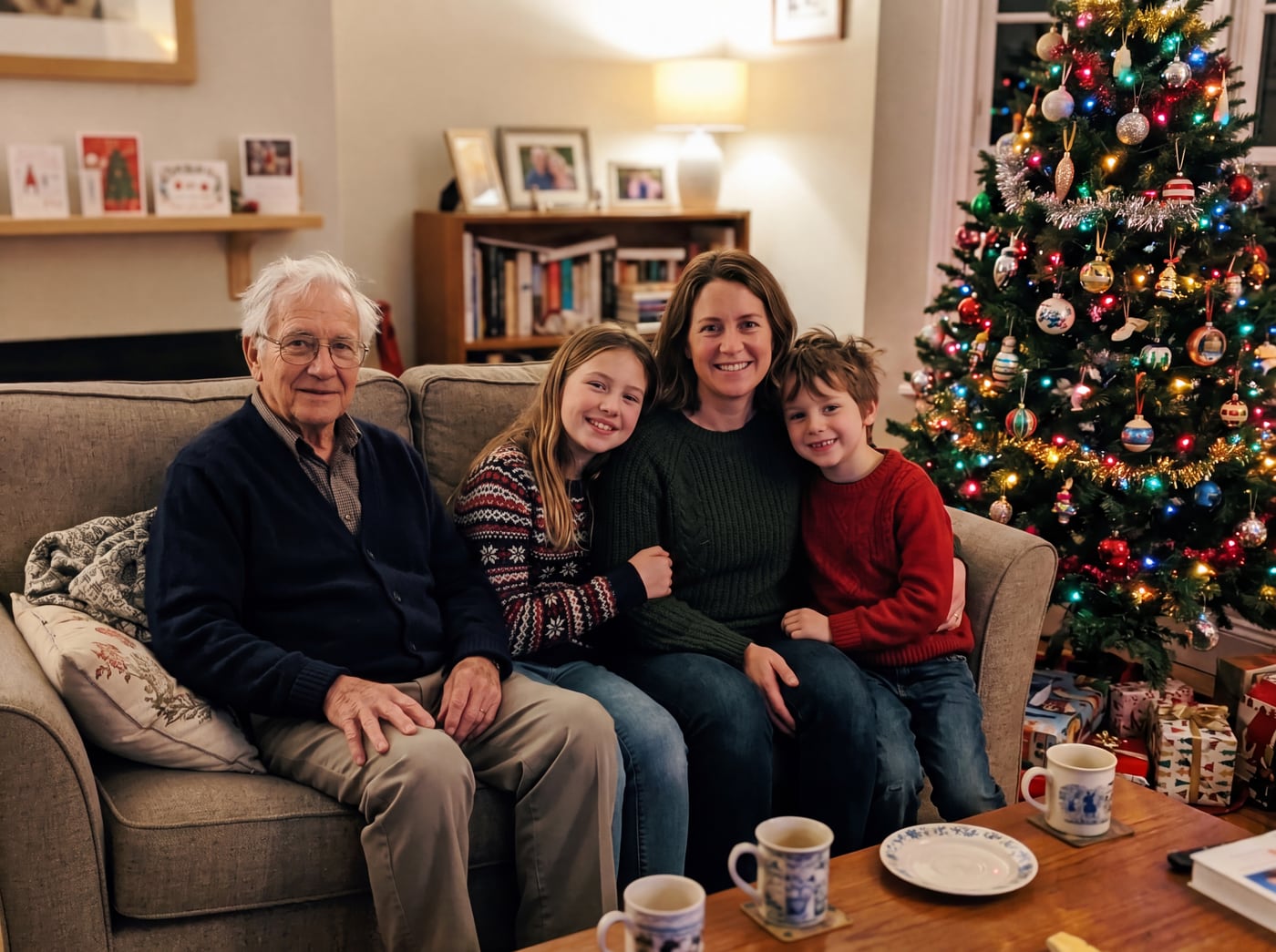 Finished picture
Try it free
The family photo
The picture you want them added to.
Photos of your loved one
A clear photo of their face. Two or three photos help.
Anything we should know?
You can leave this empty.
Free to try. You only pay if you want to keep the full-size picture.
How do I photoshop someone into a photo?
- Upload the photo you want them in.
- Upload one to three photos of the person.
- Type where they should be, like "on the bench beside Dad".
- See your free preview. Try again with a new note if it is not right.
No layers, no cutting out
Normally you would cut the person out, match the size, and fix the light and shadows by hand. Here we do that part for you, so they look like they were there.
This is our own tool. It is not Photoshop and has nothing to do with Adobe. It works on an iPhone, an Android phone or a computer, with no app to download. The preview is free. Keeping the full-size picture costs from $6.99.
Photo tips
- For the person you are adding, pick a photo where their face is clear and well lit. Looking toward the camera works best.
- Two or three photos of them from different days help the picture look more like them.
- Old, faded or black-and-white photos are fine. The finished picture is in colour to match your family photo.
- For the family photo, leave a little room where they would naturally stand or sit.
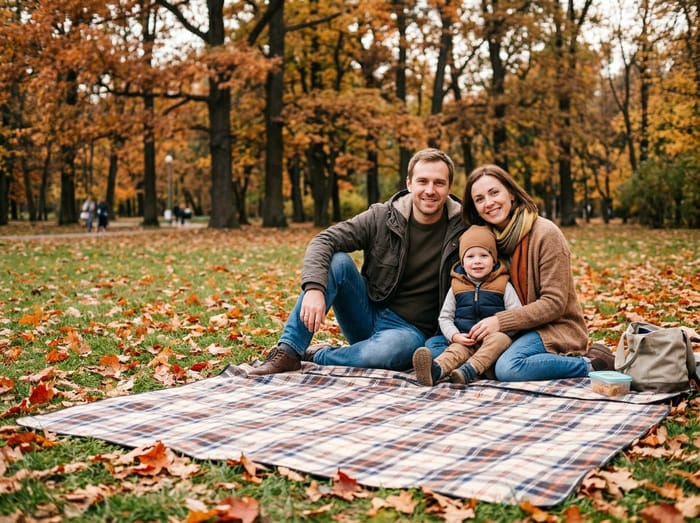 Family photo
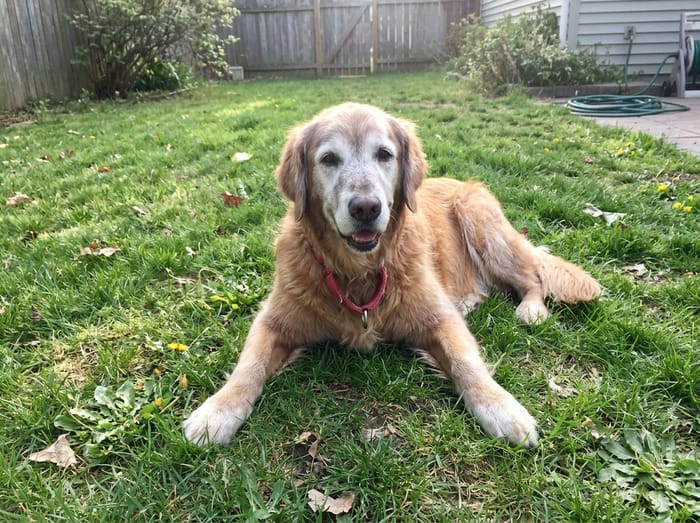 Their dog
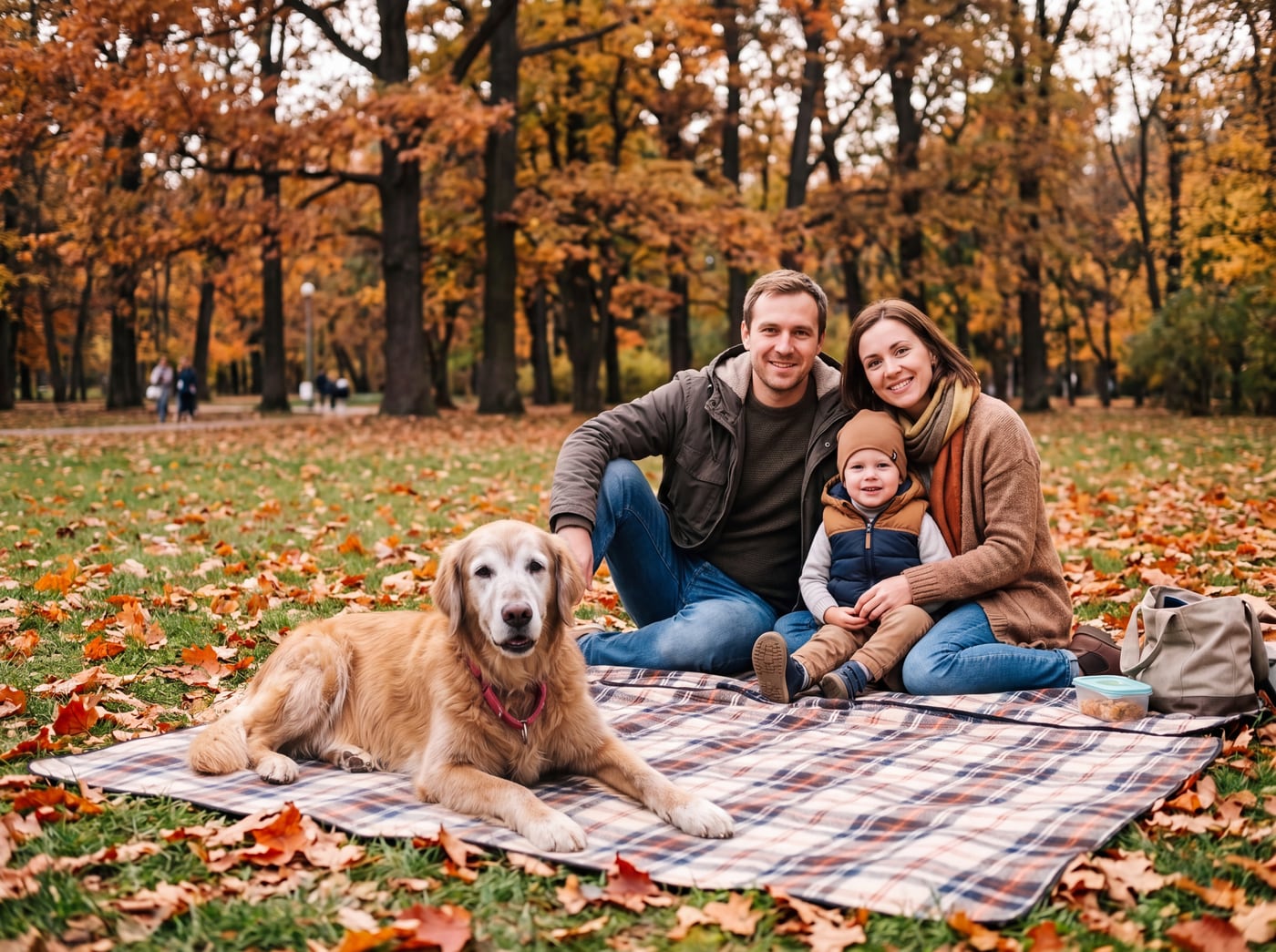 Finished picture
Questions
Is there a free app to photoshop someone into a picture?
There is nothing to install. You use a web page in your phone’s browser. The preview is free, with a watermark. The clean picture costs from $6.99.
How long does it take compared with editing by hand?
Editing by hand can take an hour or more. Here the preview takes about a minute. You pick two photos and write a short note about where the person should stand.
Will it look fake?
It is made to look like one ordinary photograph, matching the light, colour and shadows of your photo. The people already in it are not changed.